



Telefonieren im Homeoffice
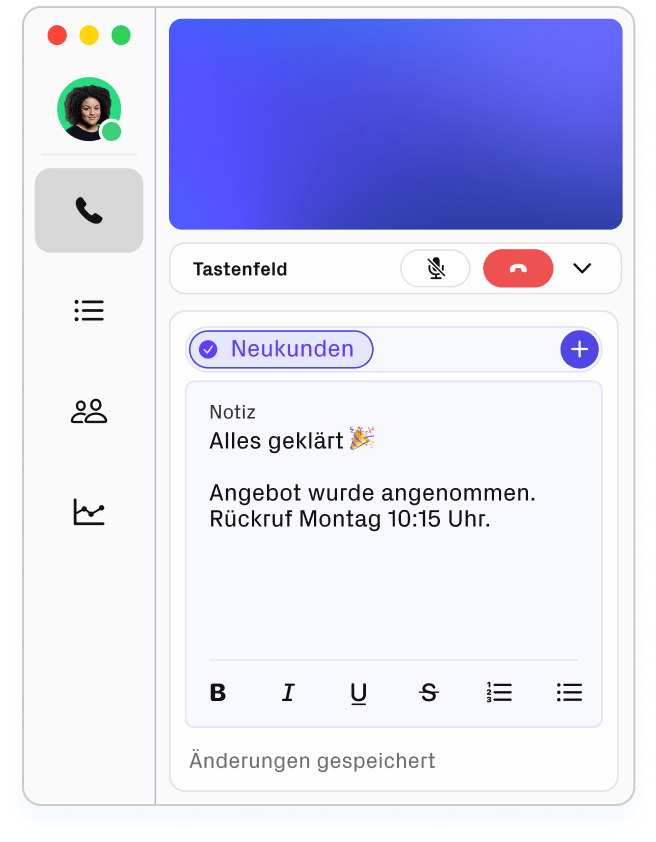
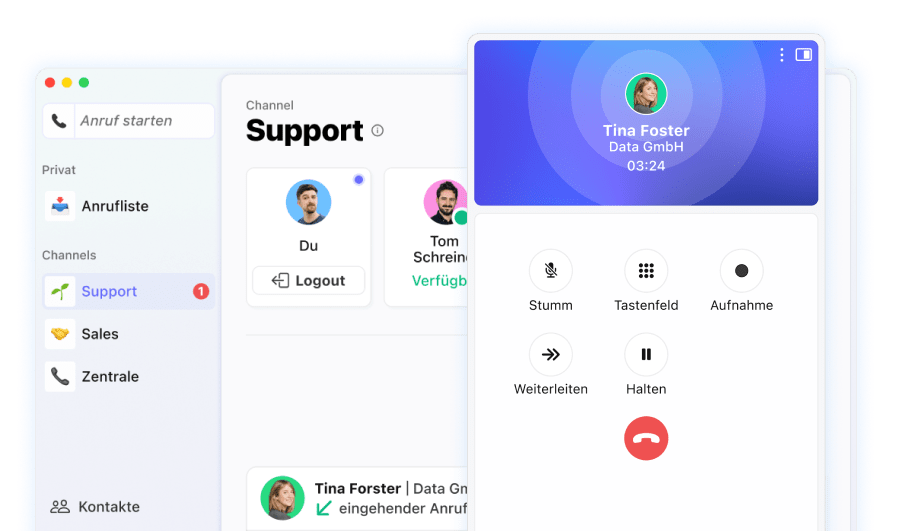
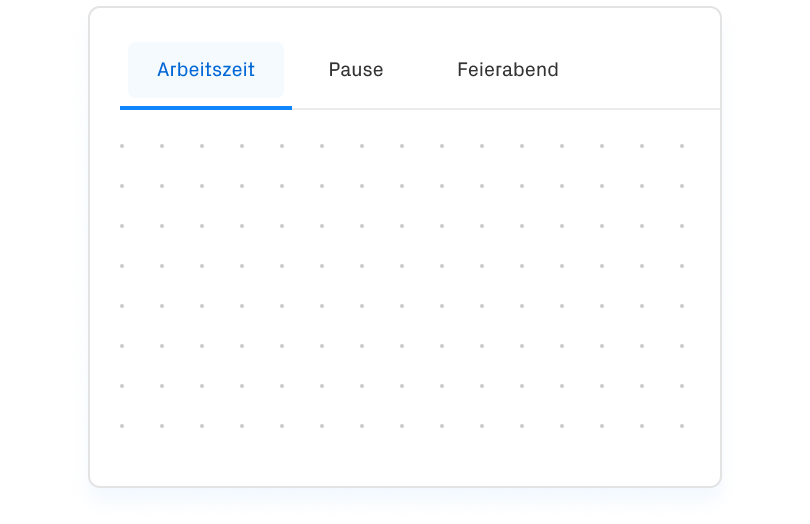
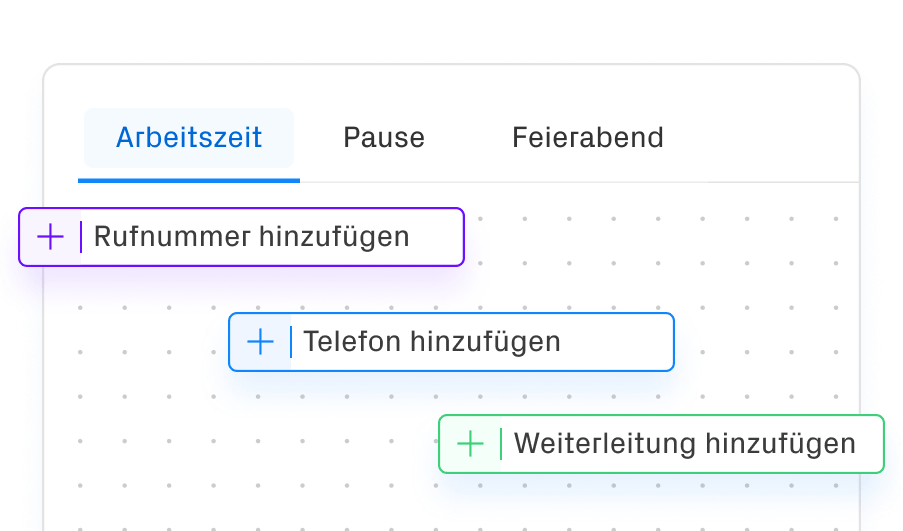
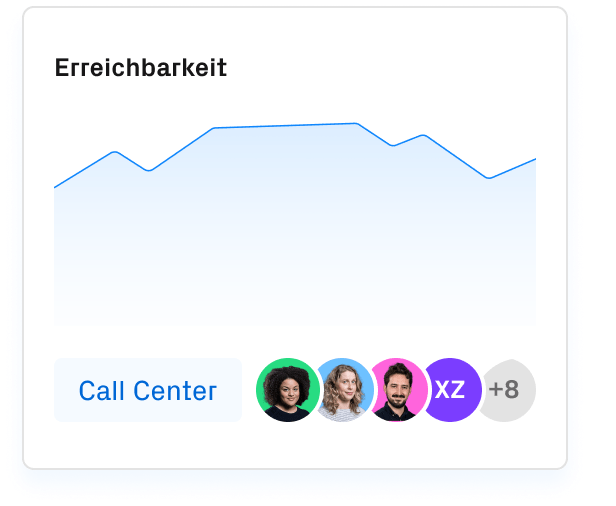
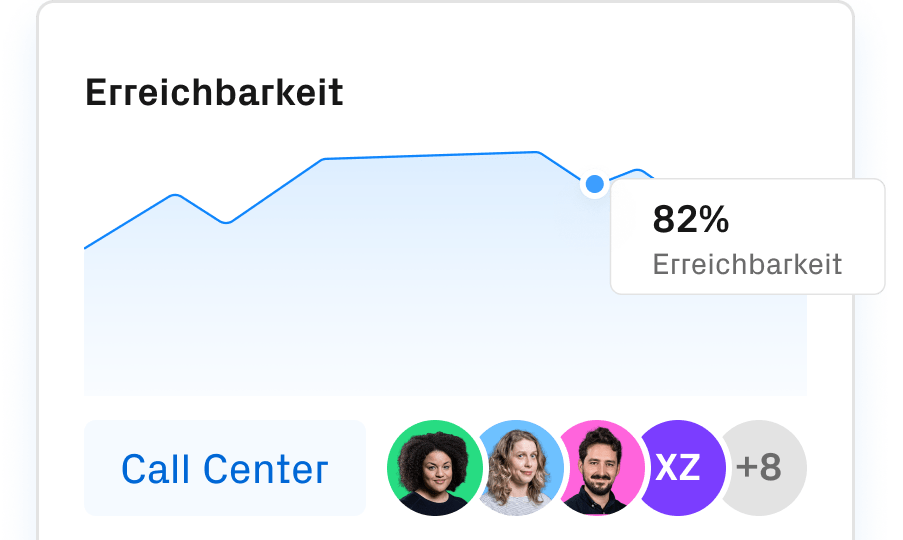
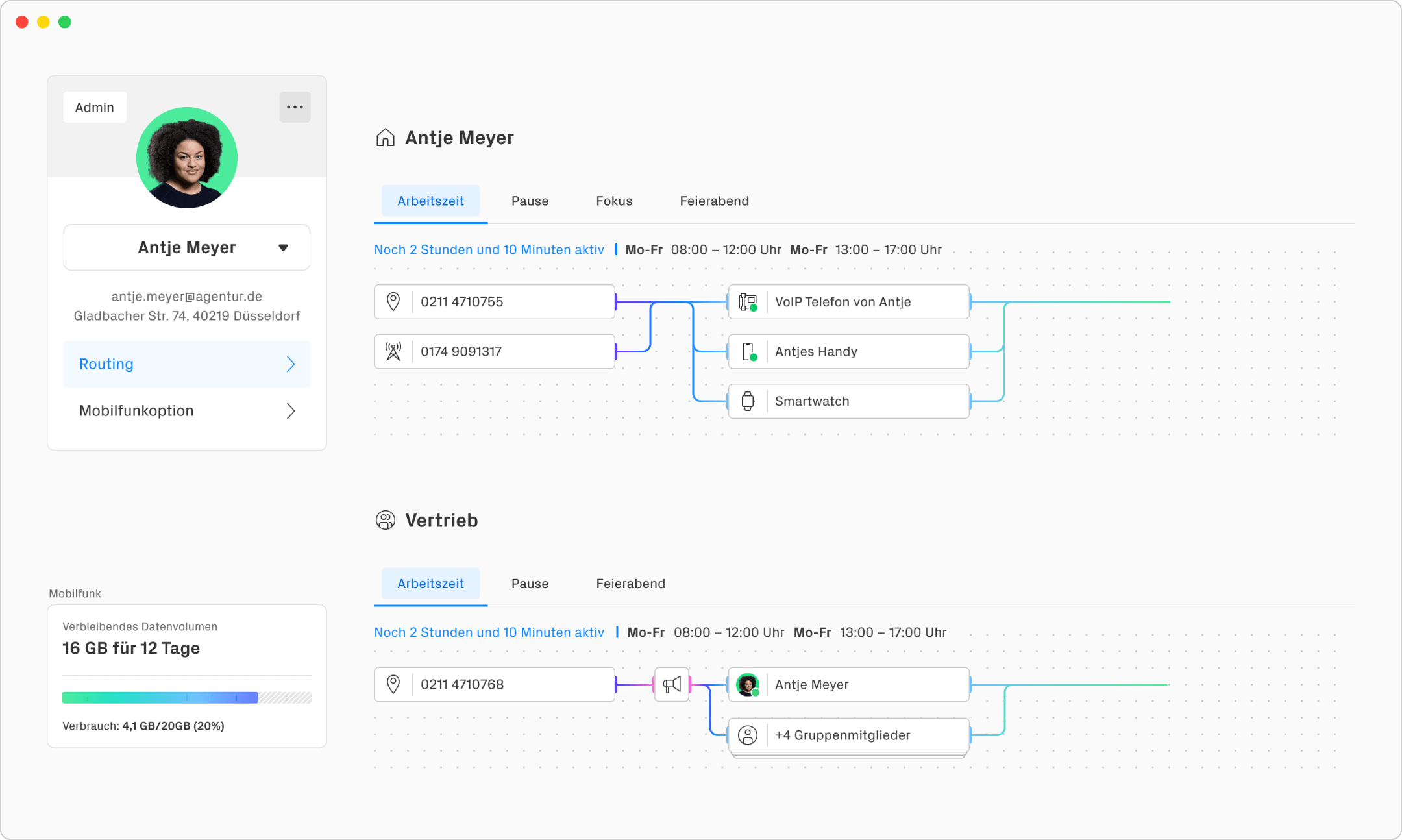
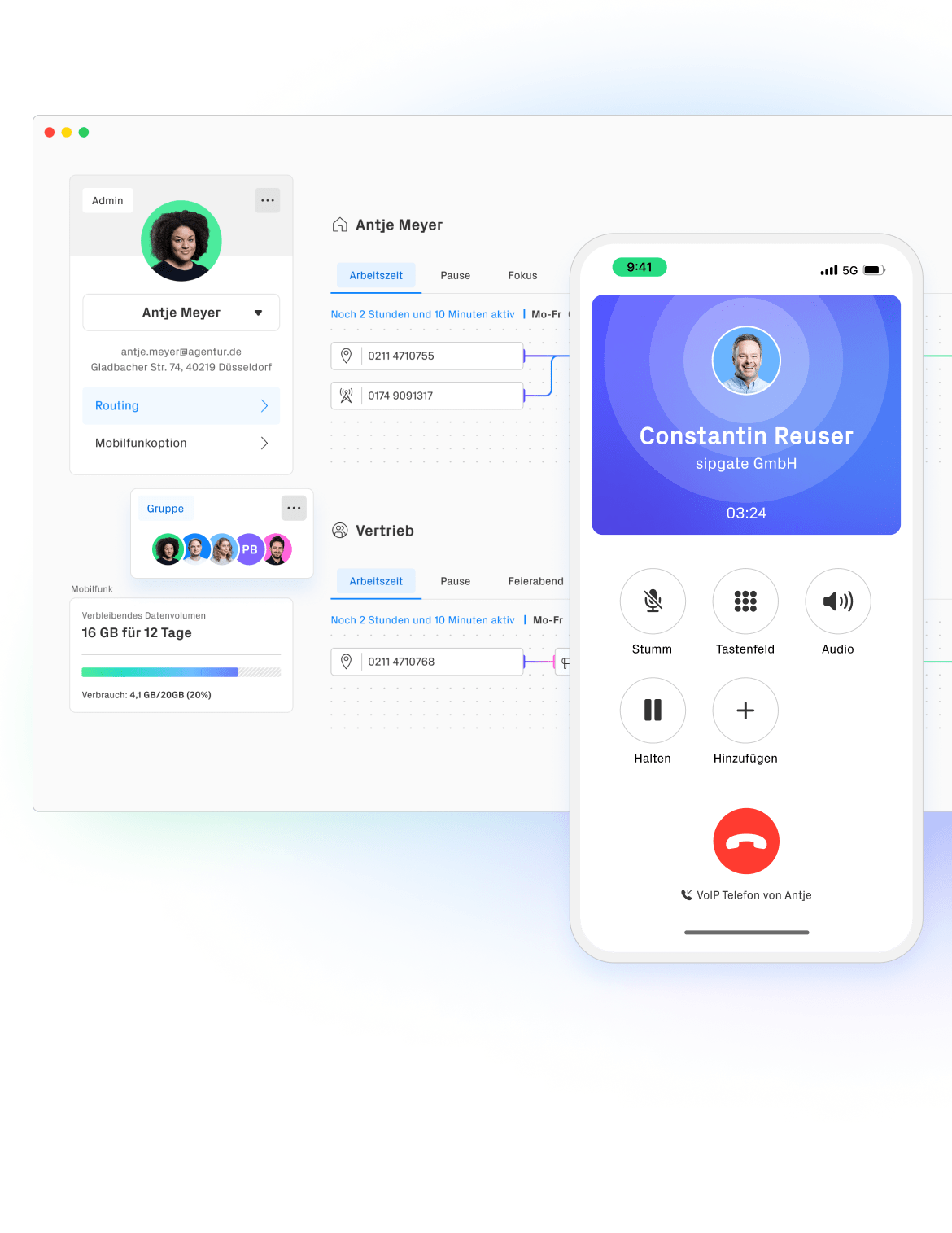
Unkompliziert und sofort erreichbar: Ihr professionelles Setup für zuhause dank unserer Telefonie-App CLINQ und der intuitiven Routingübersicht.


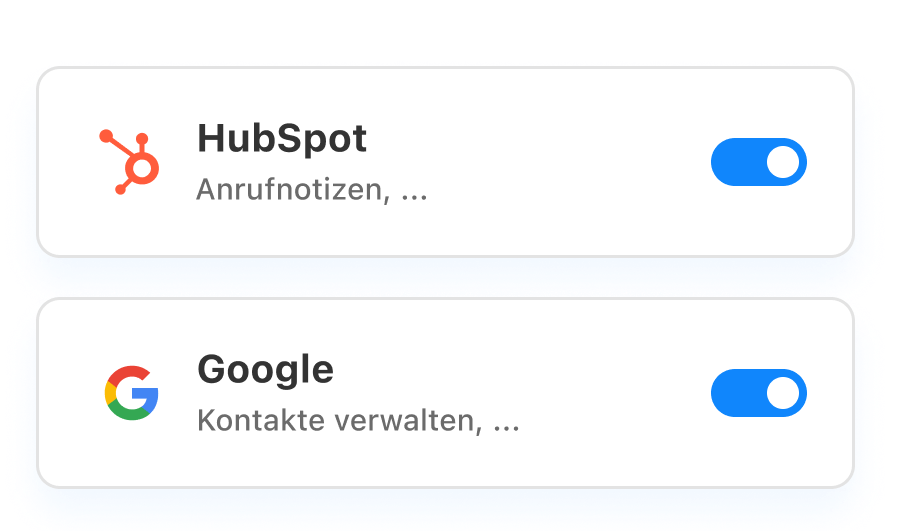
Die sipgate Cloud-Telefonanlage mit Apps, CRM-Integrationen
und über 150 Business-Funktionen.


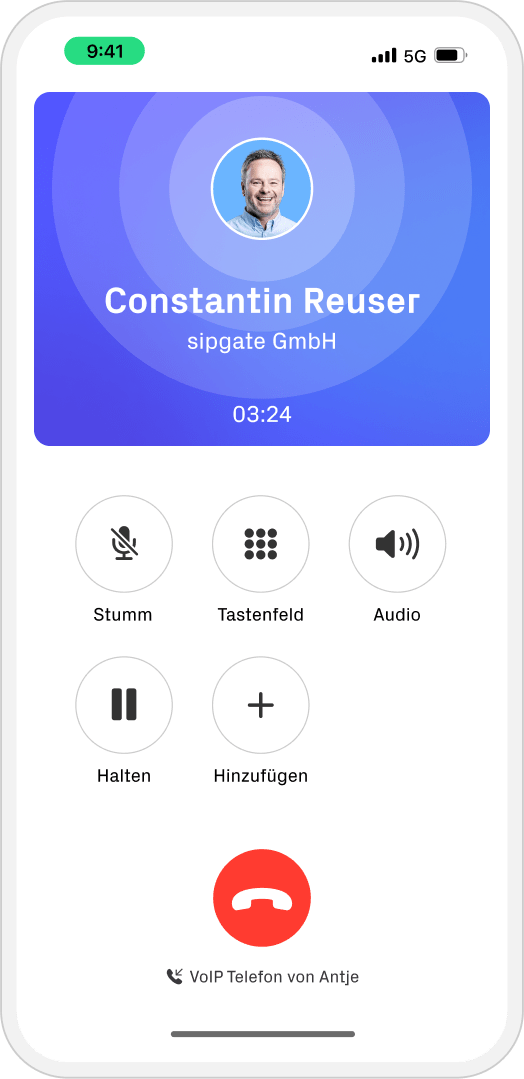
Constantin Reuser
sipgate GmbH
03:24

















Gestalten Sie Ihre Kommunikation so, wie sie sein sollte: effizient, klar und
ganz auf Ihre Bedürfnisse zugeschnitten.
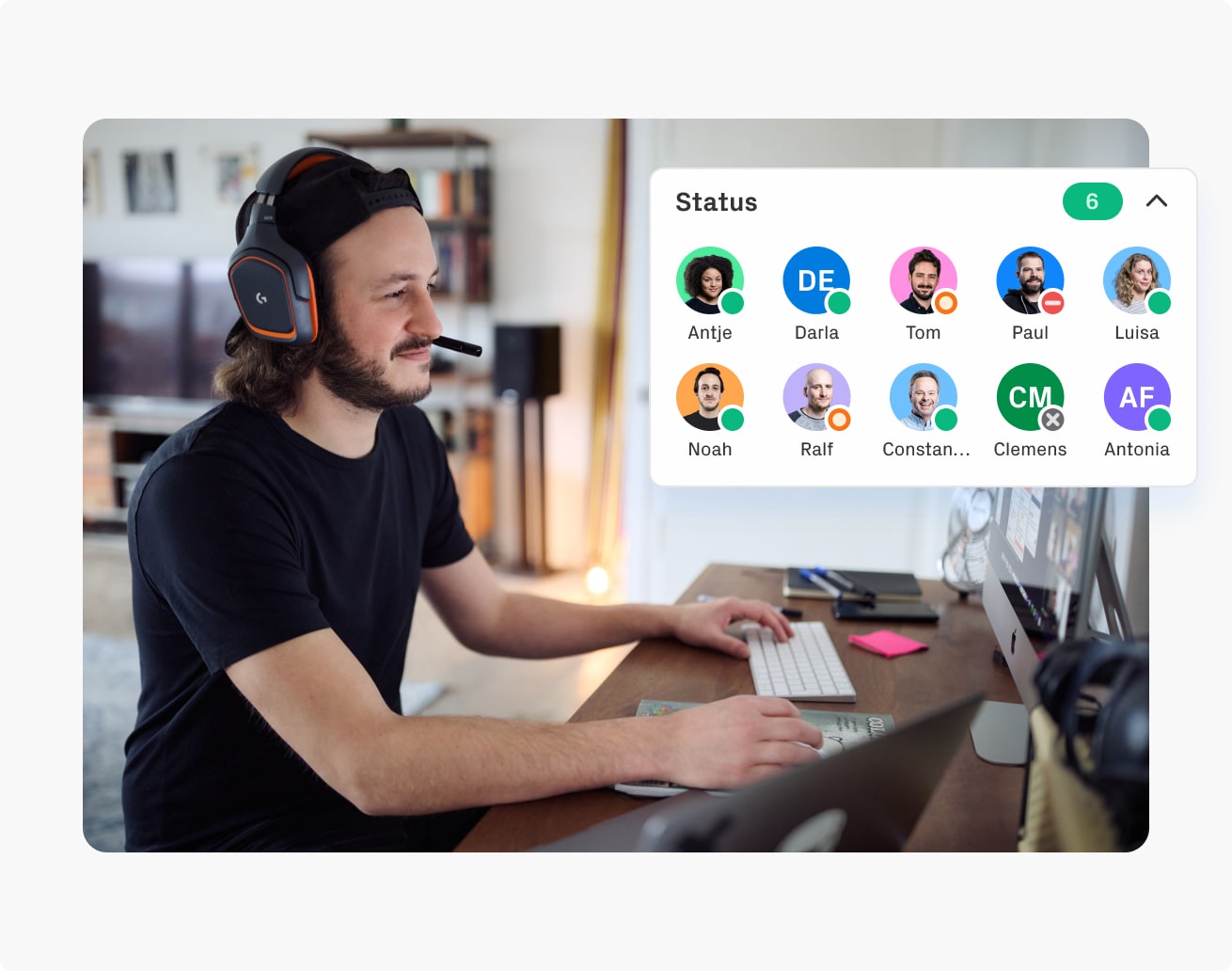
Egal, ob im Büro, unterwegs oder im Homeoffice: Mit sipgate sind Sie immer und überall zuverlässig erreichbar.
Unkompliziert und sofort erreichbar: Ihr professionelles Setup für zuhause dank unserer Telefonie-App CLINQ und der intuitiven Routingübersicht.
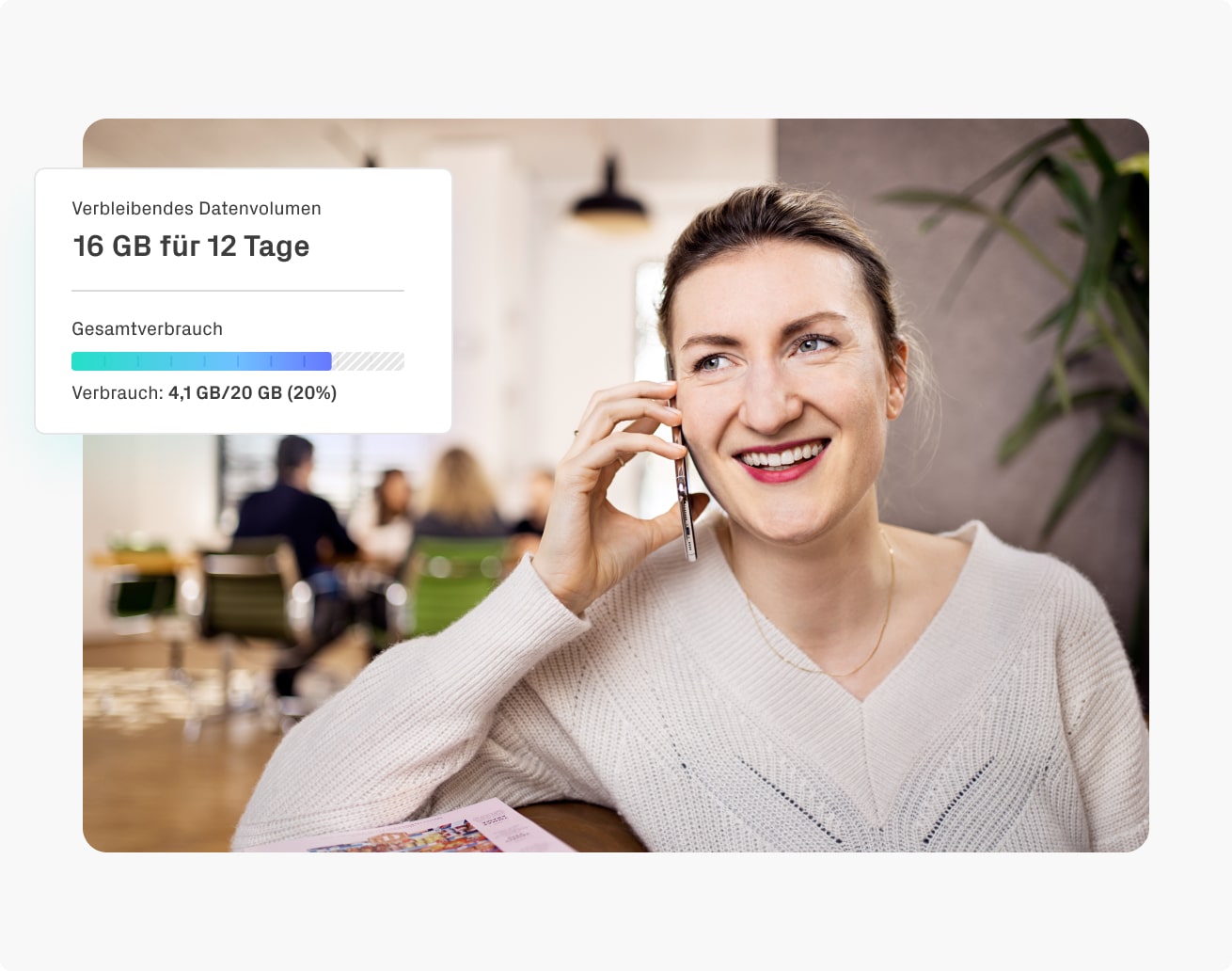
Das Smartphone wird zur vollwertigen Nebenstelle. Mit sipgate telefonieren und surfen Sie professionell im Büro, Café oder bei Ihren Kund:innen vor Ort.
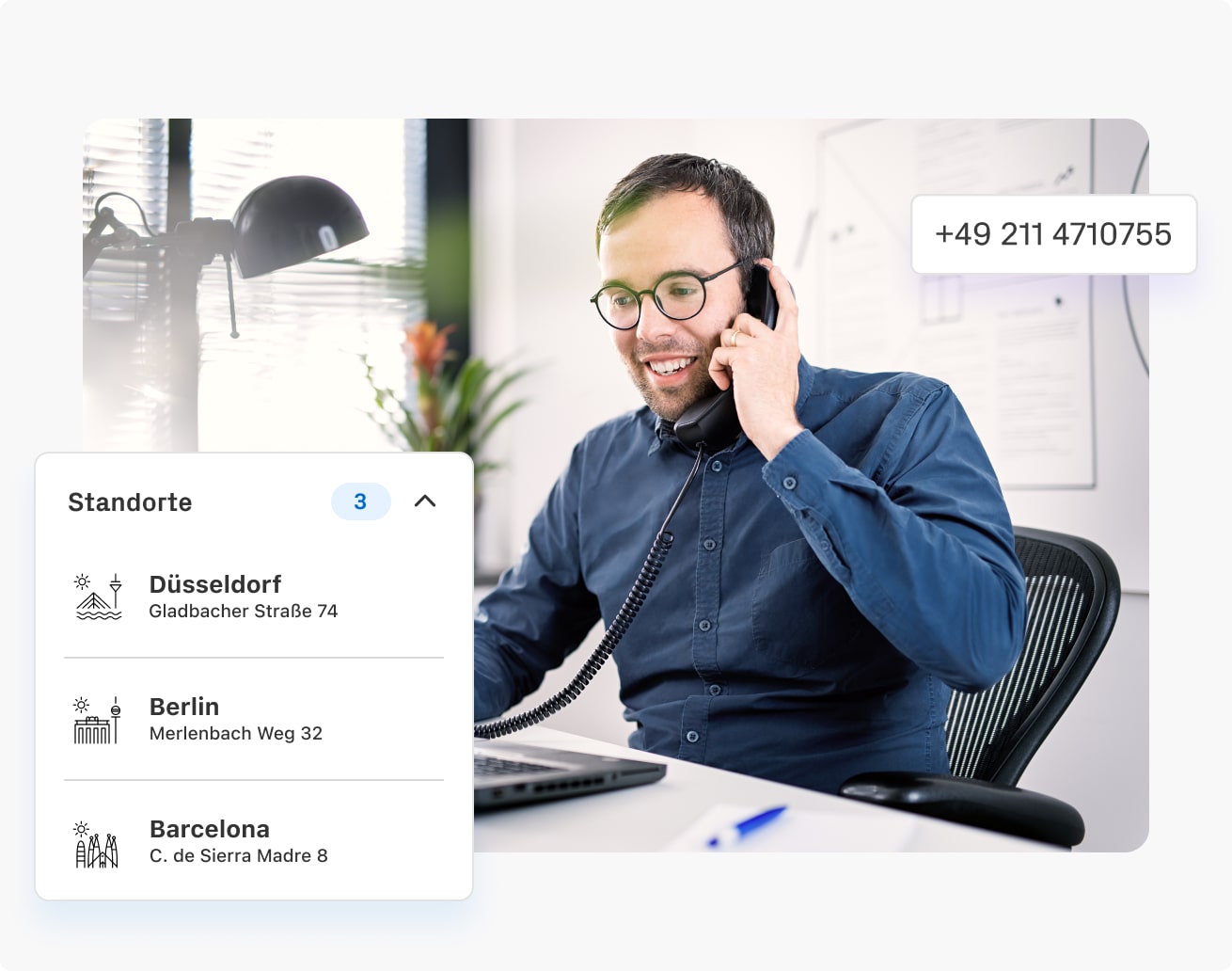
Mehrere Standorte, 100 Mitarbeitende, 20 davon im Außendienst. Mit sipgate telefonieren alle von überall mit professionellem Telefonie-Setup und sind immer erreichbar.
Enterprise
Von der Ersteinrichtung bis zur Optimierung Ihres Accounts – unsere Produktberatung betreut Sie persönlich und zu jeder Zeit.
Mehr erfahrenEine Cloud-Telefonanlage ist nur so gut wie der Service dahinter.

Seit 2004 setzen wir auf Sprachqualität, eigene Netze und Monitoring.

Redundanz durch mehrere Rechenzentren mit höchster Sicherheitsstufe.

Firmenstandort, Infrastruktur und Server sind in Deutschland.

Im Störungsfall stehen wir 24/7 parat, um Ihnen zu helfen.
Unsere Kund:innen berichten in den Customer Stories aus ihrem Arbeitsalltag.